Master Your Plugins. Without Leaving Your DAW.
Chiron is a VST/AU plugin — a mentor that lives inside your DAW. It knows your plugins, your hardware, and your setup — and gives you answers built on official documentation for DAWs, plugins, and hardware — not guesswork.
The first mentor built on official documentation — for your DAW, plugins, hardware, and music theory.


Works with hundreds of plugins including
See Chiron in Action
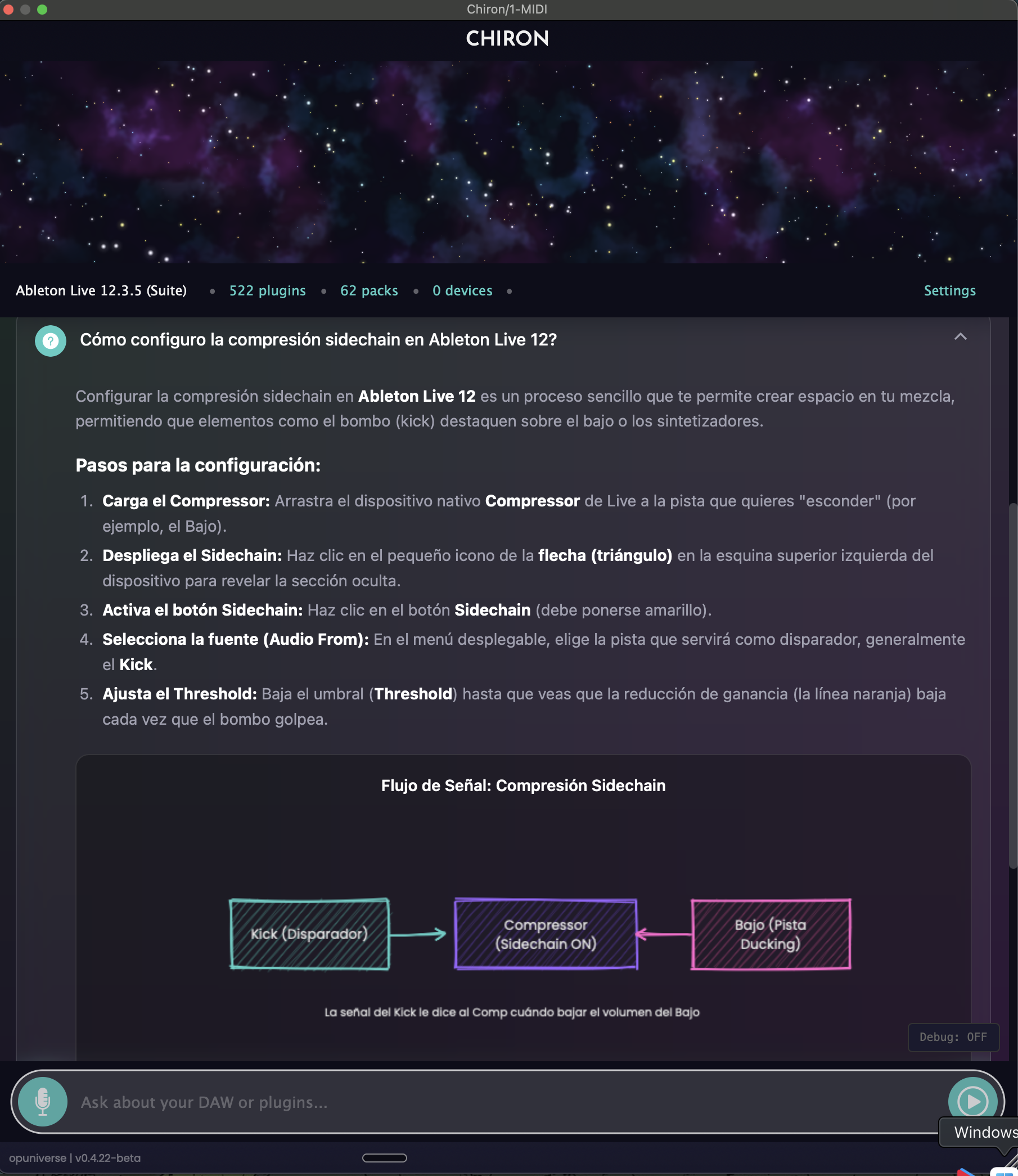
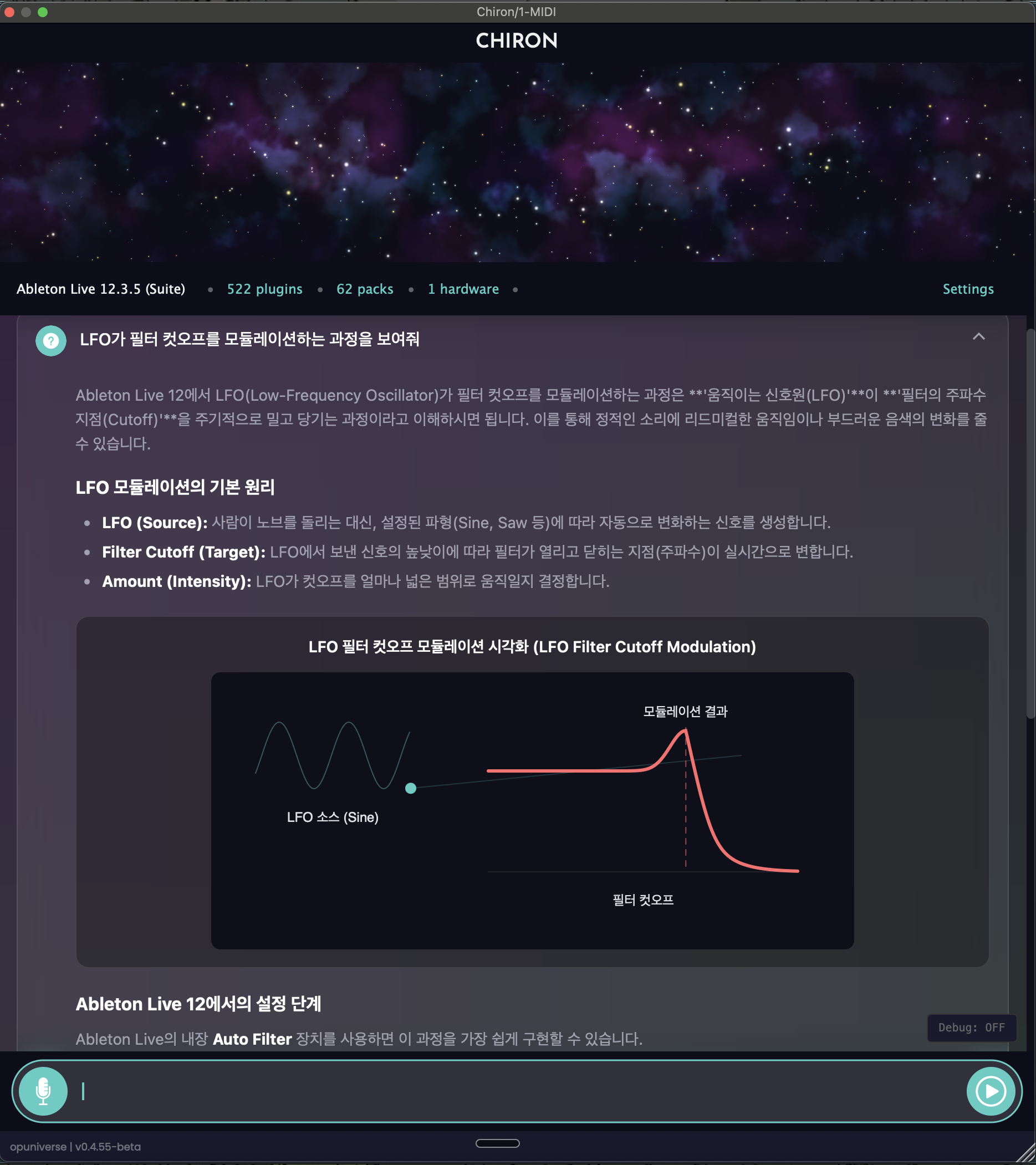
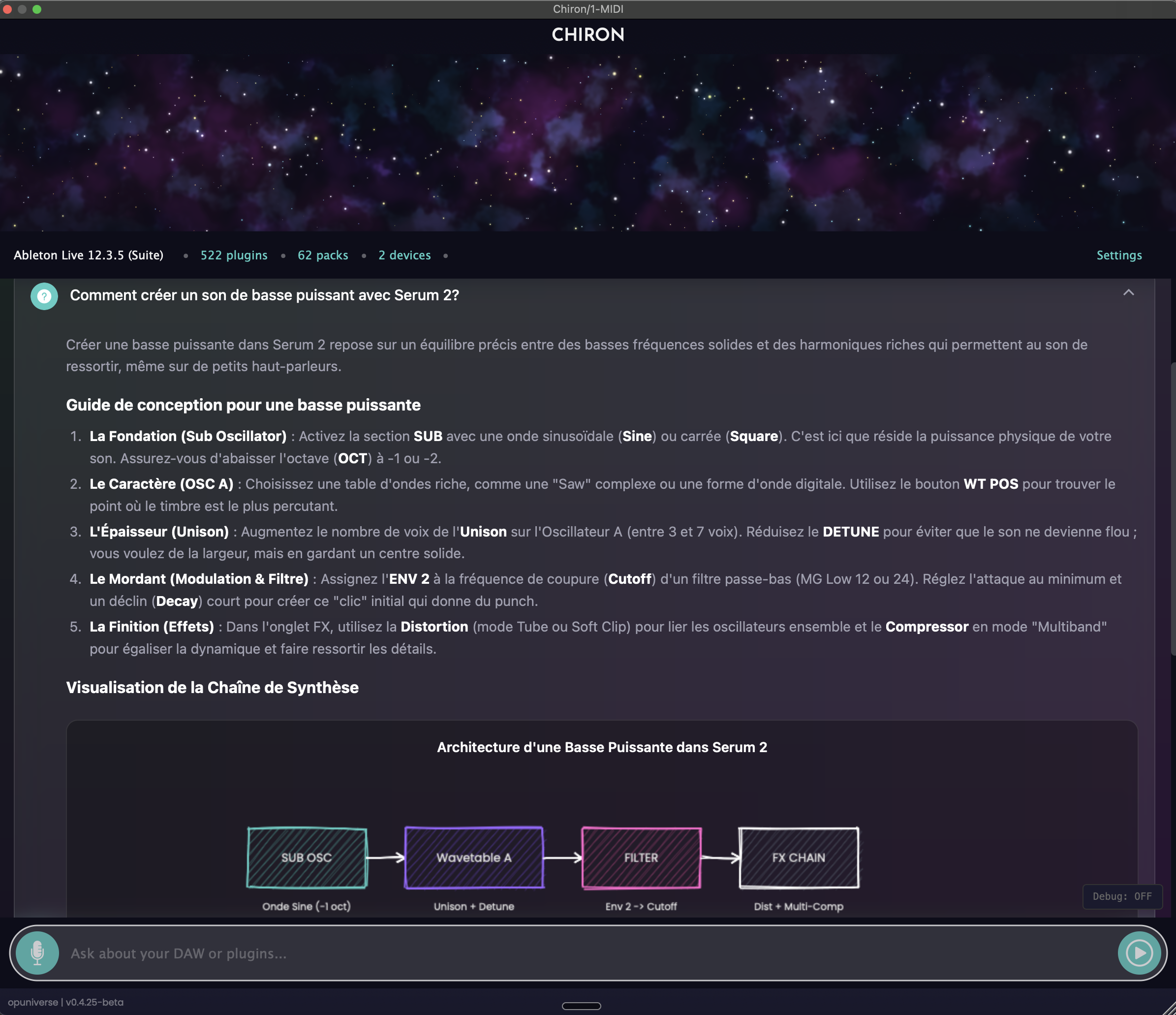
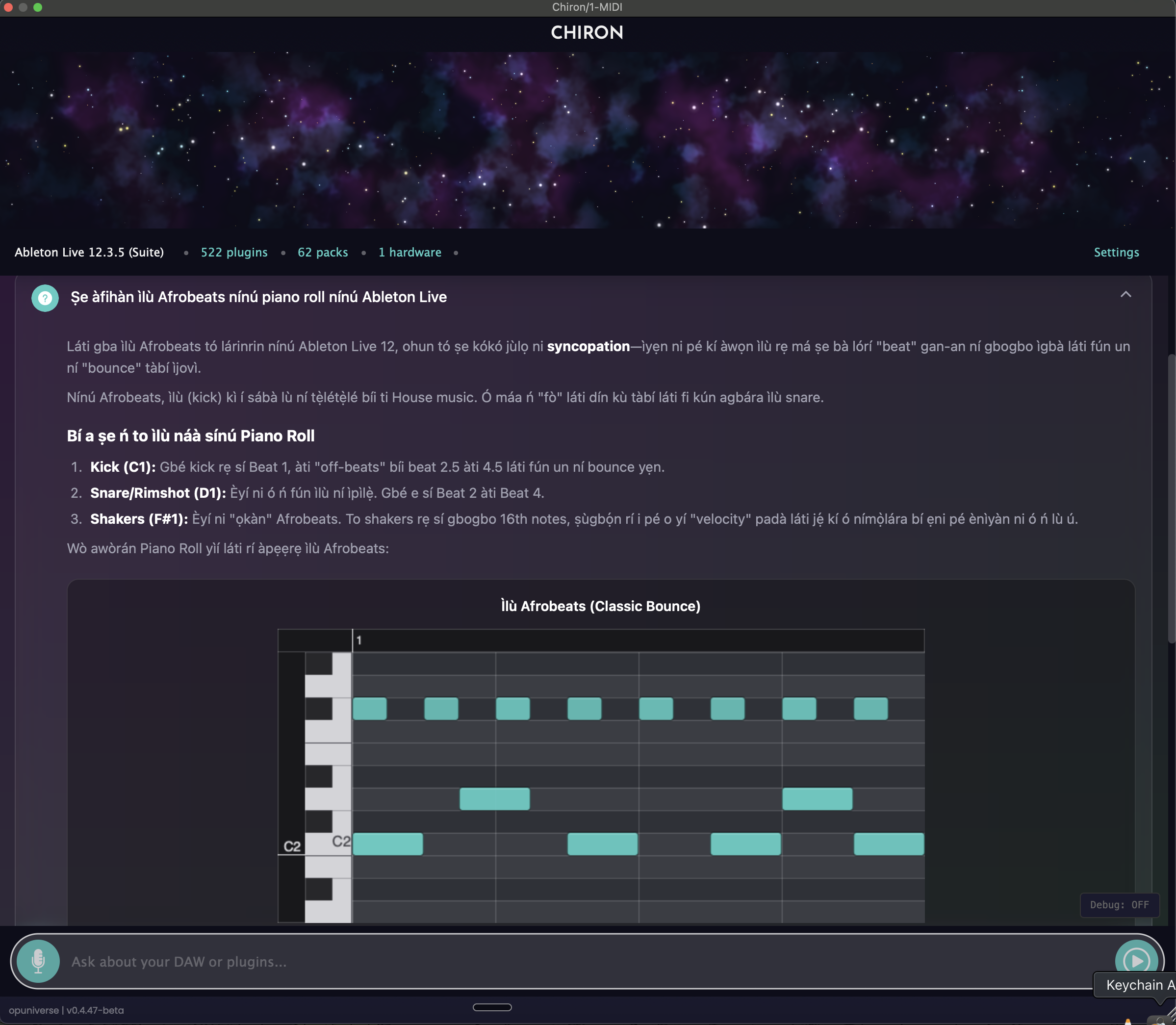
Real answers to real production questions — diagrams, theory, and plugin-specific guidance.
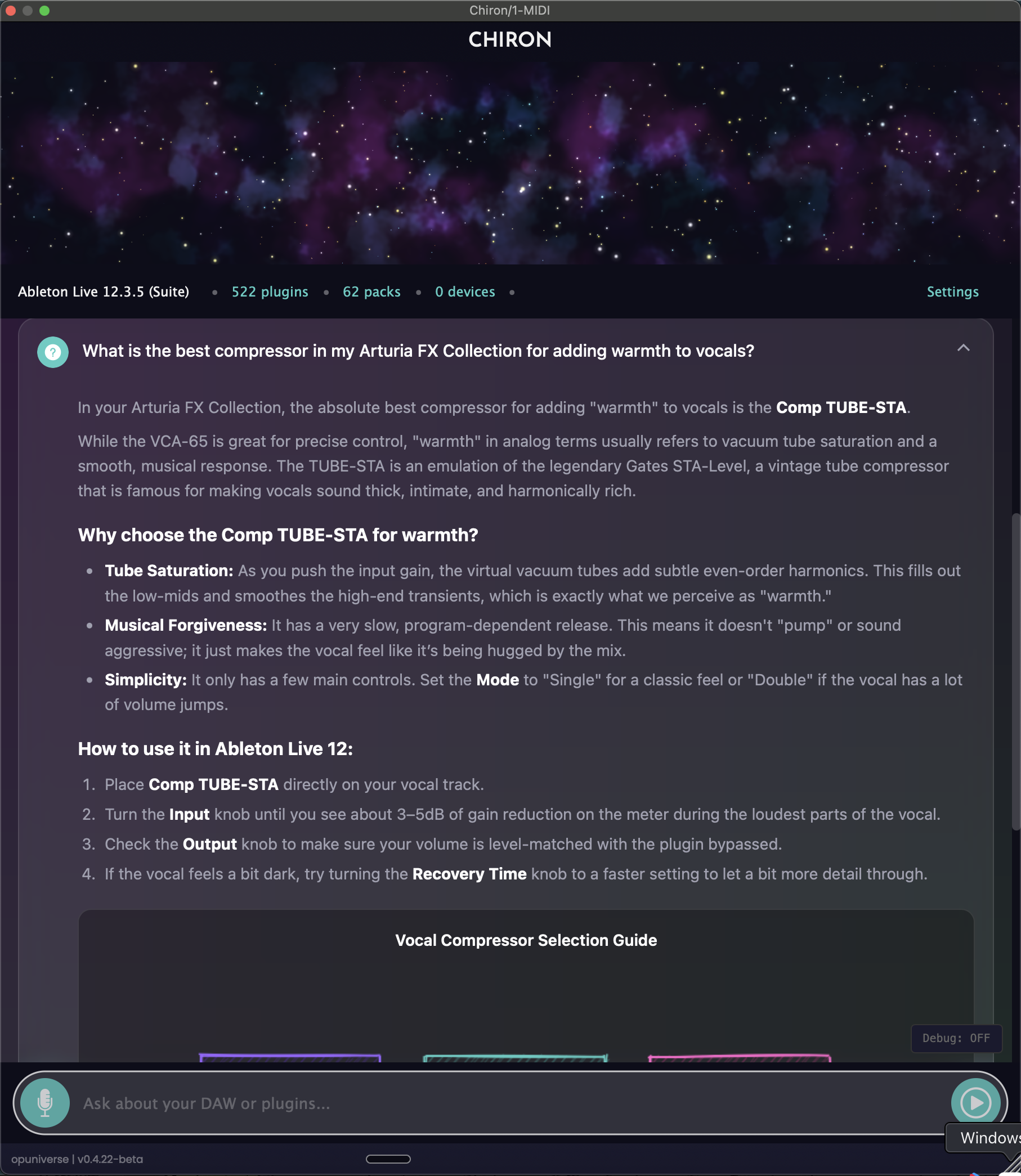
Plugin-aware recommendations
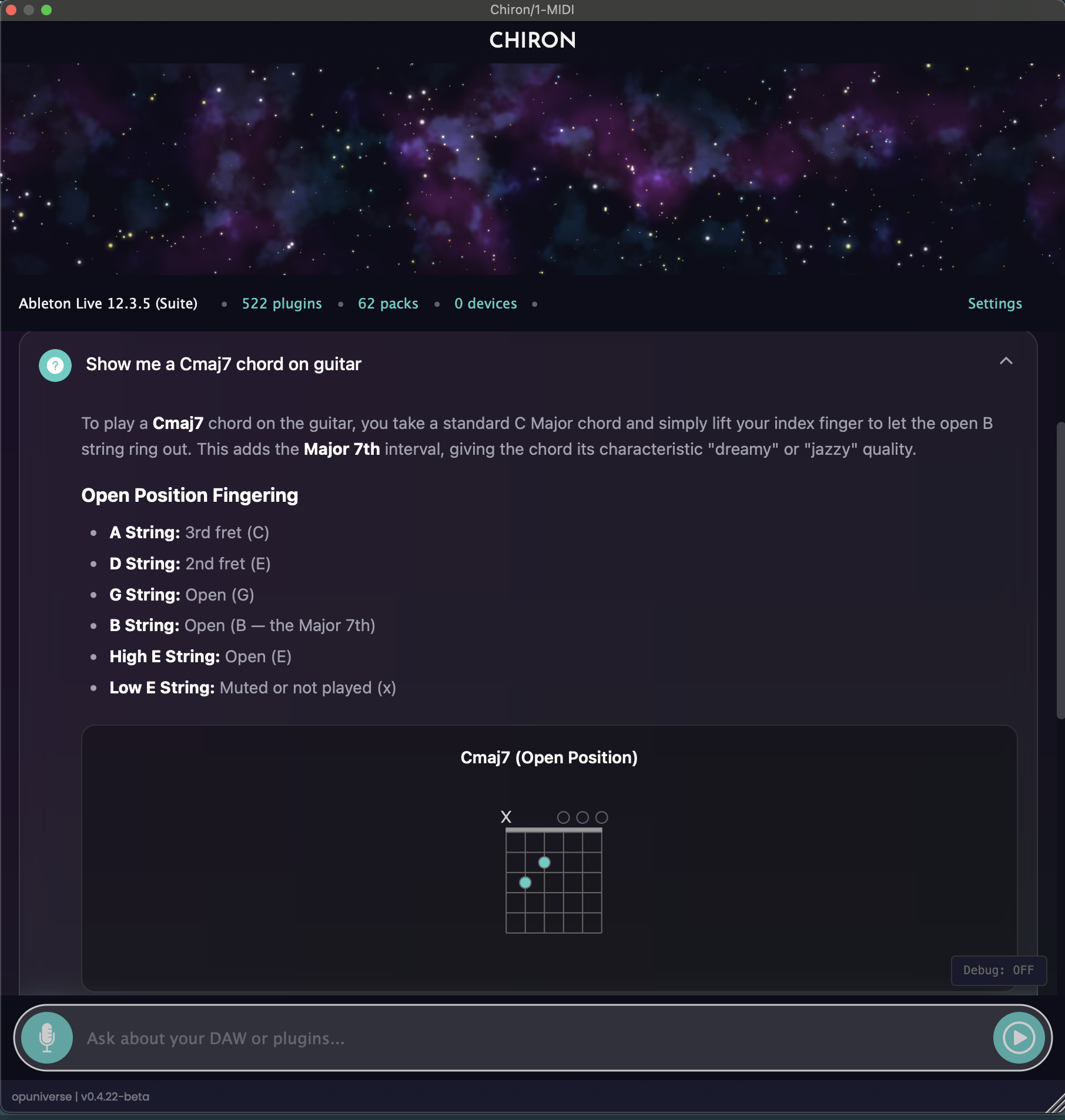
Chord diagrams & theory
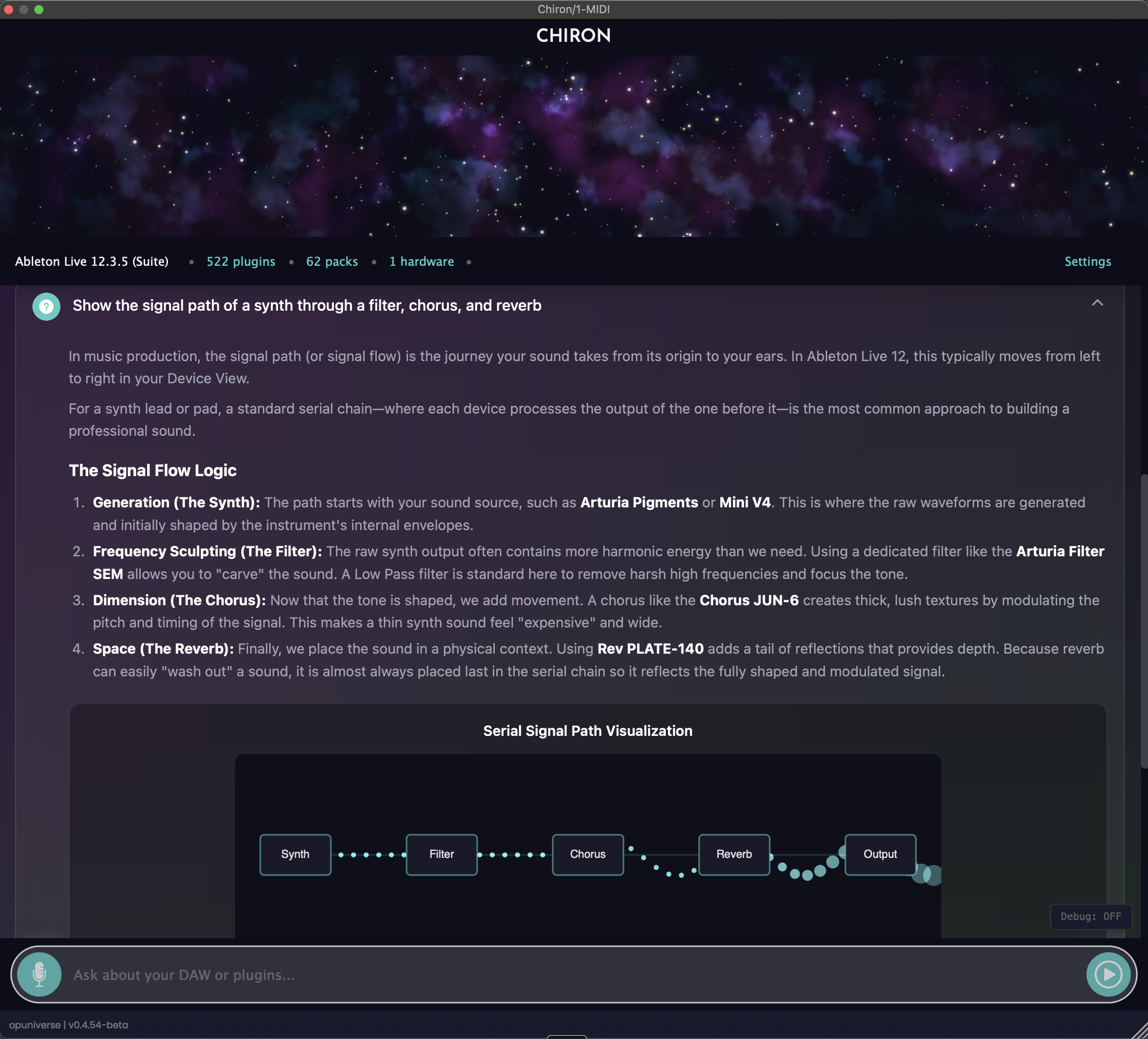
Animated signal flow
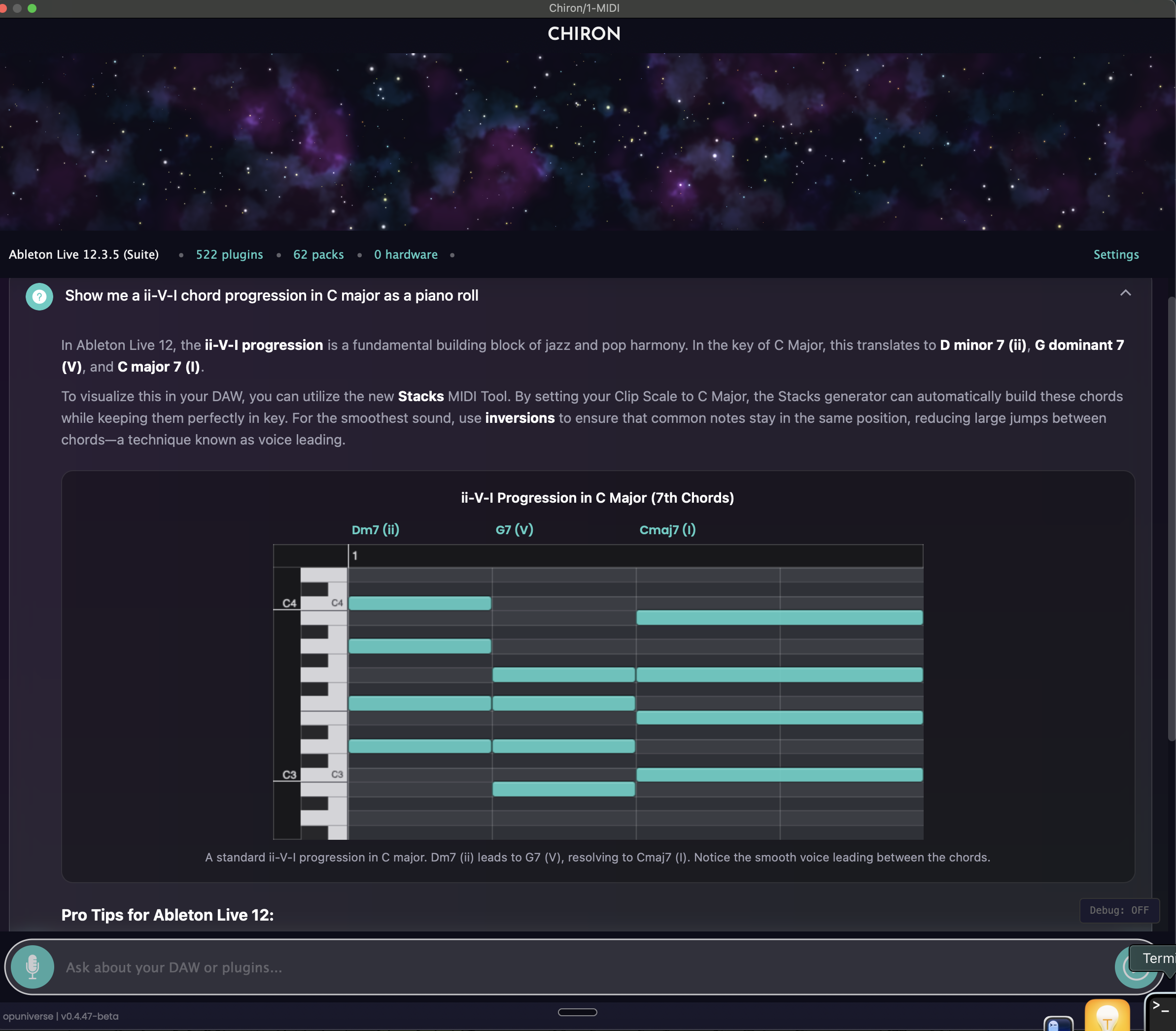
Piano roll visualization
What You Can Ask Chiron
From plugin deep-dives to music theory — Chiron covers your entire production workflow.
Knows Your Setup
Chiron detects your DAW, installed plugins, and connected hardware. Every answer is tailored to your exact setup — not generic advice.
Plugin Mastery
Built on official documentation for hundreds of plugins. Learn Serum, Kontakt, Omnisphere, Arturia, and more — from the source.
Sound Design
Step-by-step guidance for creating sounds, from basic patches to advanced synthesis techniques.
Music Theory
Scales, chords, progressions — explained in the context of your project and genre.
Multilingual
Ask questions and get answers in over 100 languages. Produce in your native tongue.
Voice Input
Speak your questions naturally. Keep your hands on the keyboard and your eyes on the session.
One Question. Four Different Answers.
Ask the same question in any DAW — Chiron walks you through the correct workflow for each one.
Any plugin with official documentation can be added to Chiron's library.
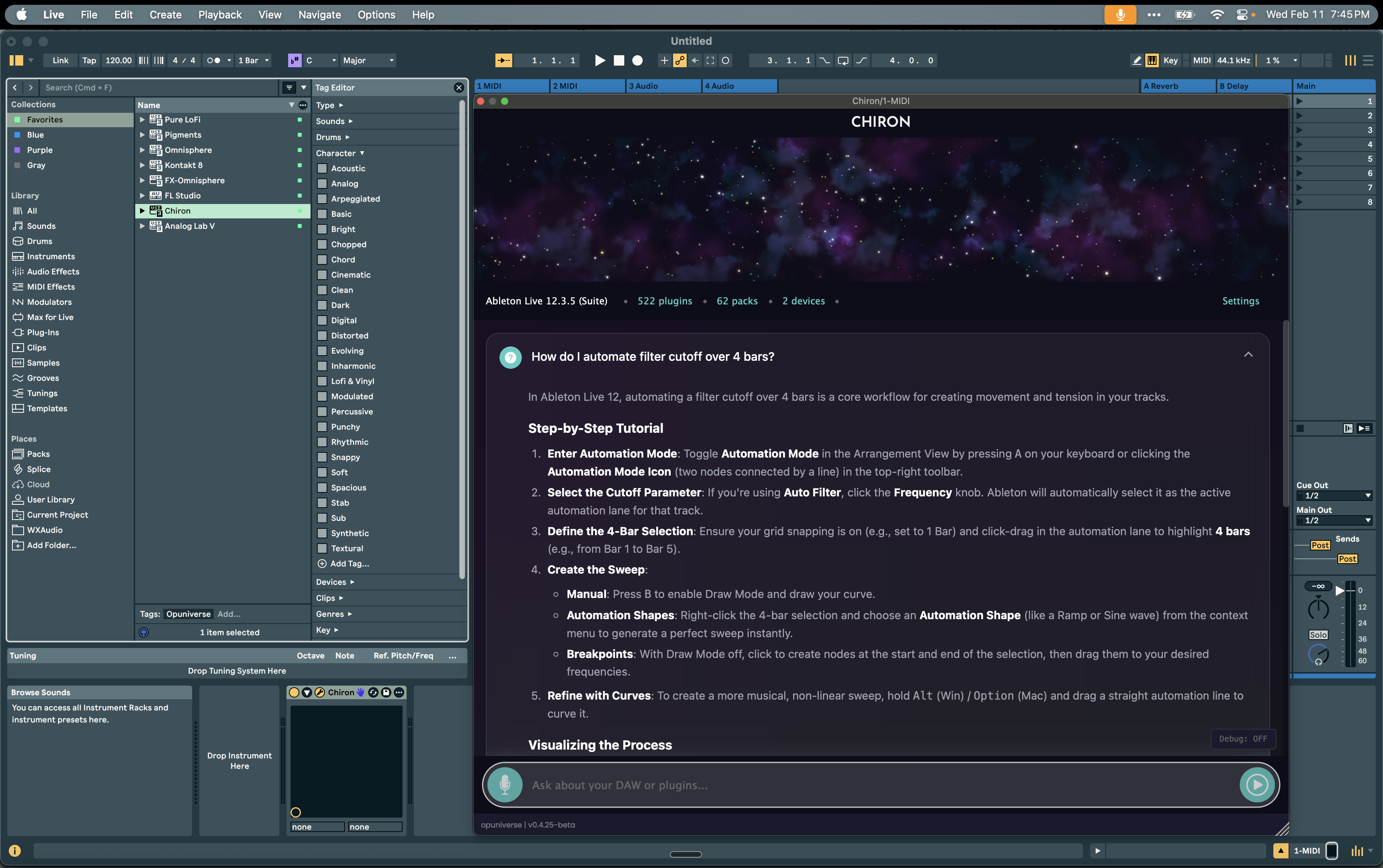
Ableton Live 12
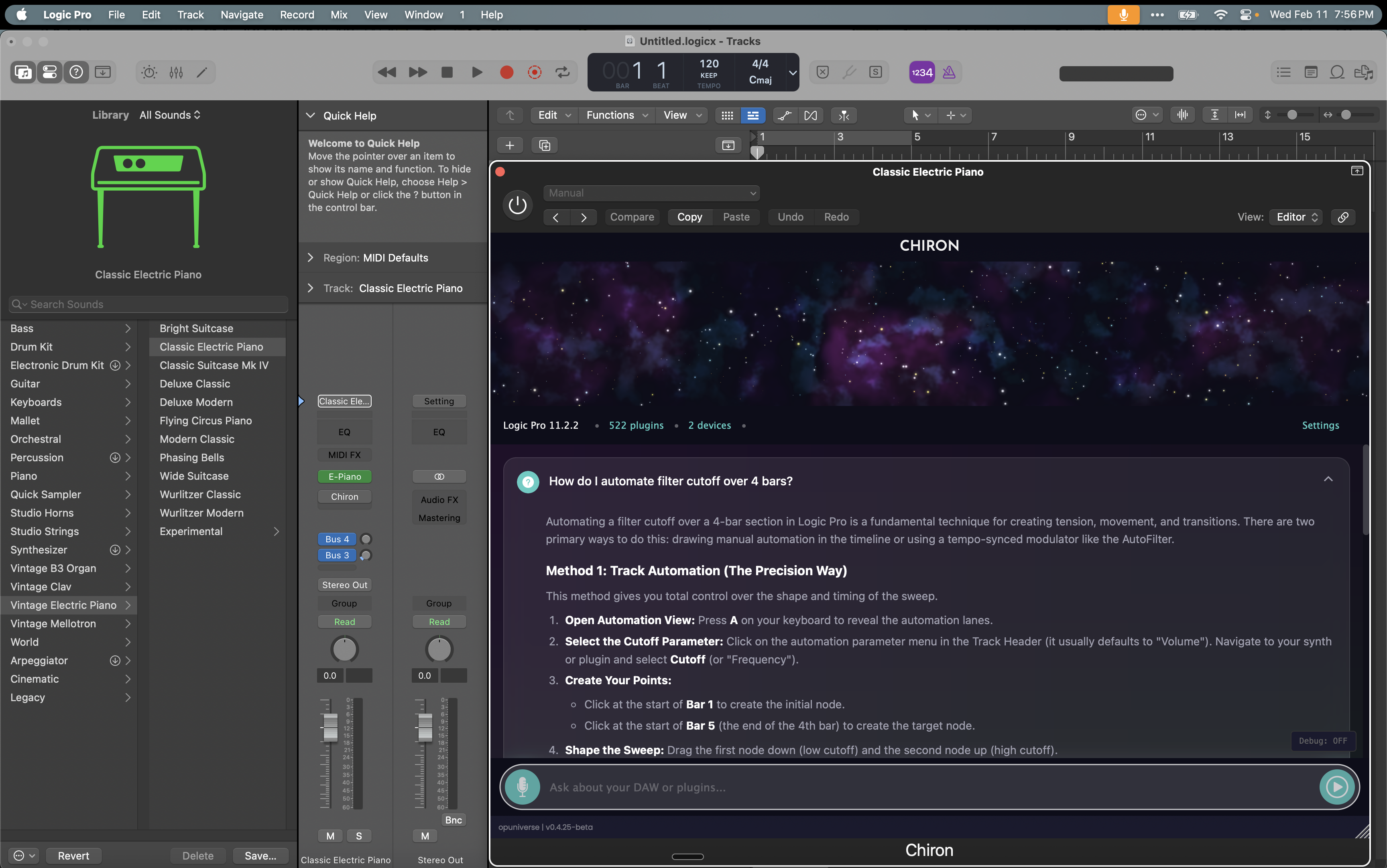
Logic Pro 11
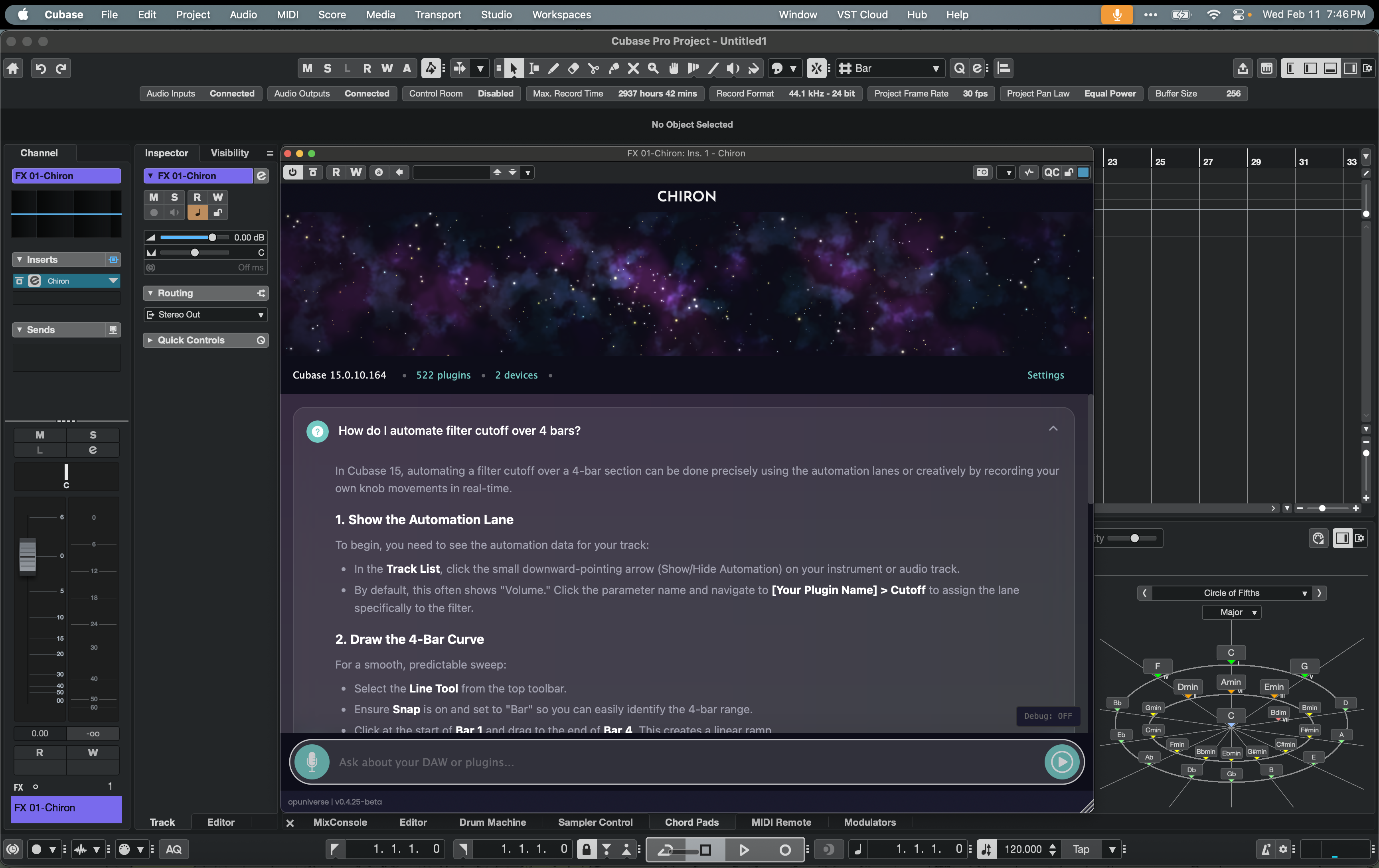
Cubase 15
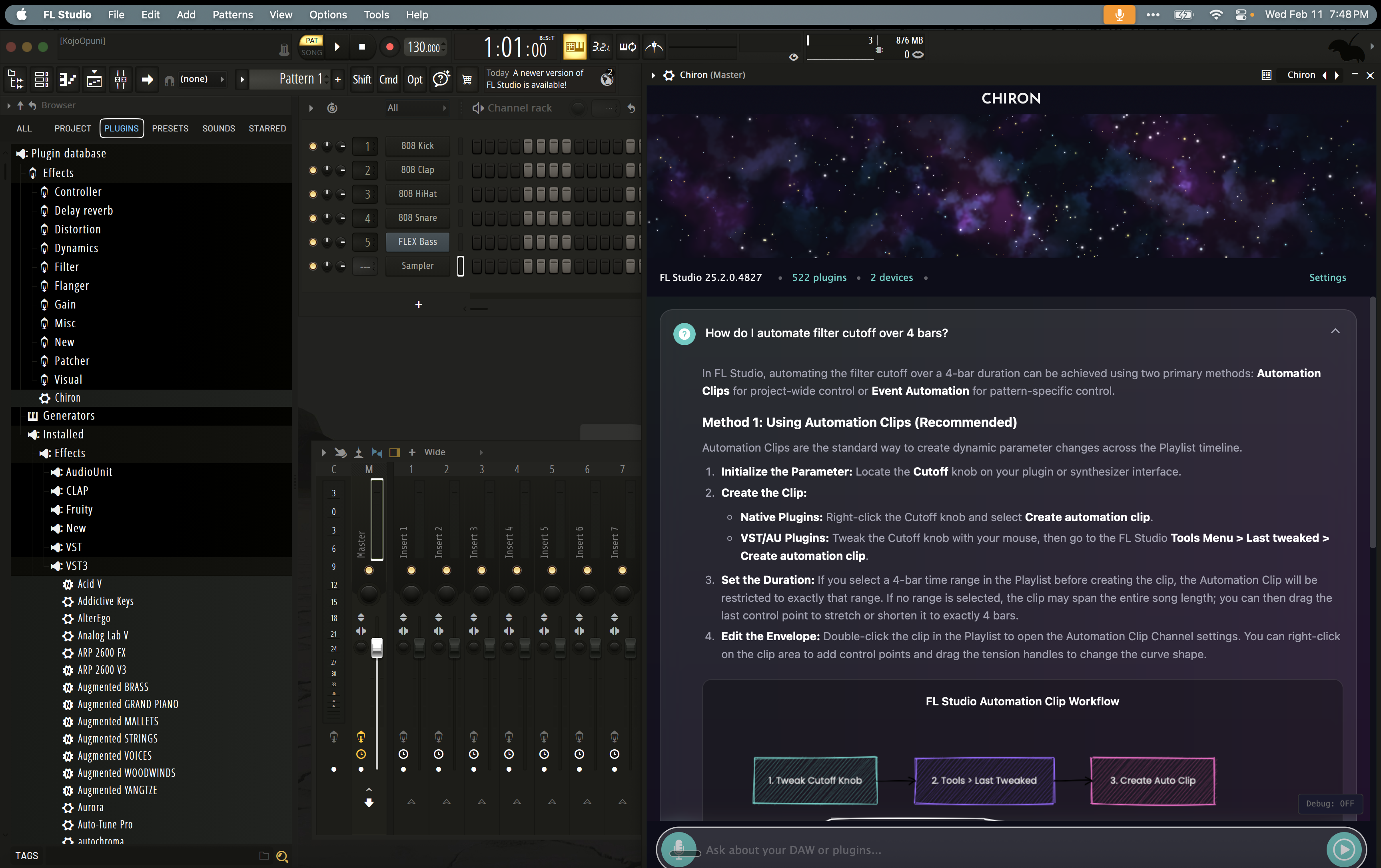
FL Studio 2025
Also works with Studio One, Reaper, Bitwig, and any DAW that supports AU or VST3.
Ask in Any Language
Type or speak in . Chiron responds in your language — with localized diagrams and terminology.
Voice input available in 30+ languages including English, Spanish, French, Korean, Hindi, and more.
How It Works
Get up and running in under 5 minutes.
Download & Install
Get the VST/AU plugin and install it like any other plugin on your system.
Load in Your DAW
Open Chiron in Ableton, Logic, FL Studio, or any major DAW.
Ask Anything
Get instant answers about plugins, sound design, mixing, and theory.
Works with Hundreds of Plugins
Request any plugin — if official documentation exists, I'll add it within 48 hours.
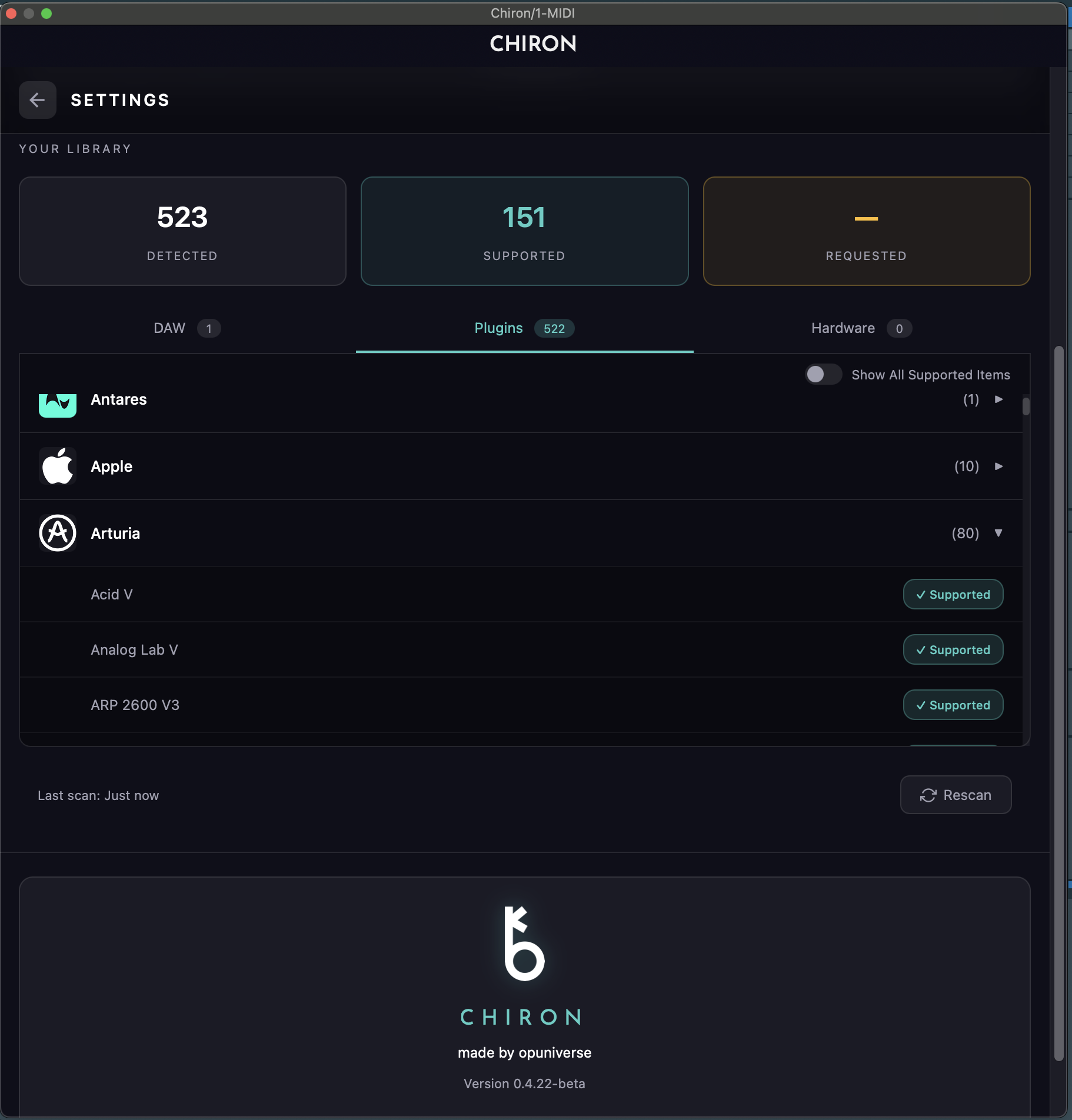
Don't see your plugin?
Request it — if official documentation exists, it'll be added to the library →Join the Beta
100 spots · 14 days of full access
I built Chiron because I was drowning in documentation. Logic Pro is 2,000+ pages. Ableton is 1,000+ pages. A single plugin like Omnisphere is 1,300+ pages. And that's just DAWs and plugins — hardware like Push, Arturia keyboards, and NI controllers have their own manuals too.
I kept asking myself: do I really understand what I already have? So I built something that lives inside my DAW, knows my entire setup — plugins, hardware, all of it — and helps me get more out of the tools I already own.
I built this for myself. Now I want to see if it works for you.
— Kojo